
Research: Online Databases

Business Insights
Provides access to accurate and up-to-date business, company and industry information and a wide variety of global business information in a single place. Efficiently research business case studies, competitive intelligence, company histories and financial reports and career and investment opportunities. This resource replaces the Gale Business & Company Resource Center.

Entrepreneurship
Find over 280 subject-appropriate full-text magazines and professional journals. Perfect for business schools and entrepreneurs. Provides insights, tips, strategies and success stories.

Gale Business: Entrepreneurship
Learn how to start, finance, or manage your small business. Includes sample business plans, how-to guides, articles, and more.

Legal Forms
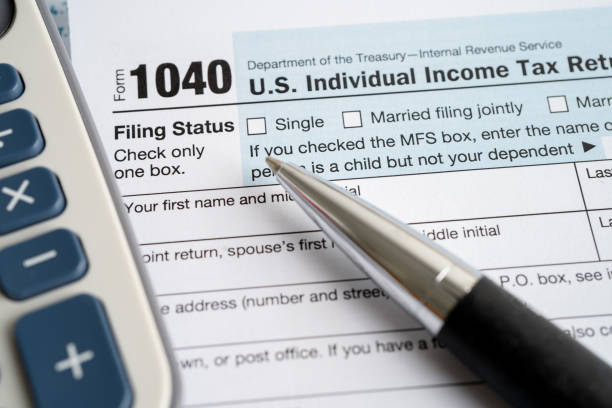
New York State Legal forms for bankruptcy, wills, divorce, landlord/tenant agreements, name changes, power of attorney and more. This resource also links to DMV forms, absentee voting ballots, and NYS Department of Health forms. It has a Legal Q & A, an attorney directory and tax forms for all U.S. states.

OCPL Business Resources
Valuable information for business owners and those looking to start a business.
Reference Solutions
A business and consumer research tool to use for quick lookups or creating customized lists. Includes listings for more than 14 million U.S. businesses, 4 million new businesses, 1.5 million Canadian businesses, more than 800,000 U.S. physicians and dentists and 210 million U.S. residences. Advanced search allows users to do reverse phone number lookups, search by yellow page heading, business Standard Industrial Classification code, zip code, Standard Metropolitan Statistical Area and more.
To Download the Mobile App:
- On your mobile device, navigate to the App Store® (iOS/Apple) or Google Play™ (Android) icon.
- Search for Data Axle Reference Solutions and download it.
- Tap the Data Axle Reference Solutions icon.
- Enter your library’s 5-digit ZIP Code, and then tap on “Find Library”.
- Select your library in the list.
- iOS/Apple: Scroll to your home library, and then click “Done”.
- Android: Tap on your home library from the list.
- Enter your library card number, and then tap on “Remember Me” (optional).
- Tap on “Proceed”.
- You are now ready to use Reference Solutions on your mobile device.